SEO
Product page SEO that sends a shopper ready to buy, not a browser
Product page SEO is sales work, not blog stuffing. Google sends the visitor to a Salla, Zid, or Shopify product URL. A vague title or a blocked page means you pay ads to replace search visits in KSA and Egypt that could have been free.
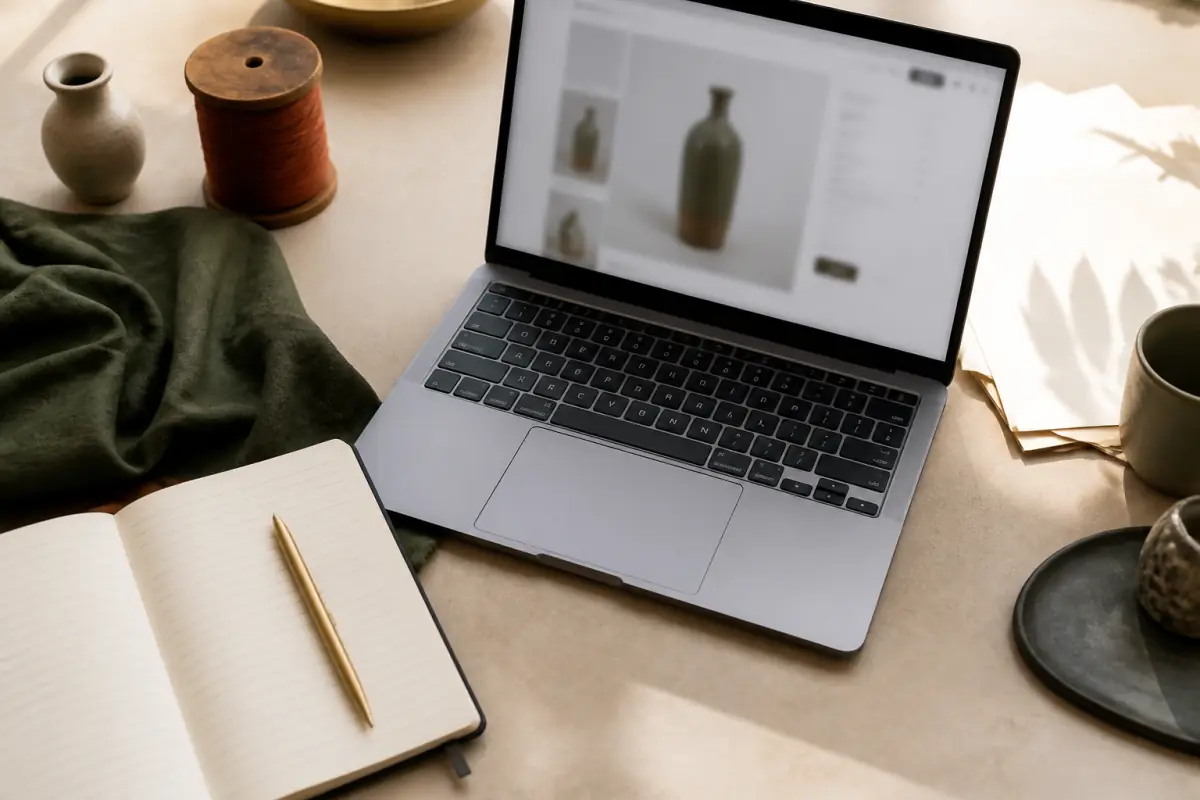
Product page SEO starts at the URL the shopper opens after typing the item, the size, and often the city. The blog is for explainers. The order happens on a page with price, size, and a button. Duplicate titles, empty descriptions, or a blocked crawl make the catalog invisible, and ads are forced to fill the gap.
Titles and meta: product page SEO is sales copy, not an empty form
A title like Products or Special offer says nothing about the category or the store. On a mobile SERP the title truncates. You waste the space if the brand repeats and the item stays generic.
Better: product name, one trait the customer types, and the store name if characters remain. Useful traits: size, material, ship-to country, or use. An abaya shop in Jeddah is not an electronics shop in Cairo. The same theme with no custom title is a set of lookalike pages to the index.
The meta description is one sentence with the offer, size, or shipping time inside KSA or Egypt. The scan flags pages with no description or a theme-copied title.
The title is a promise the page must keep. If the title says Egyptian cotton and the page never names the fabric, the shopper returns to the next result.
Write for the intent that pays, not for density
People type wide black abaya shipping Jeddah, waterproof Bluetooth earbuds, or evening dress size. Put the phrase in the title or the first paragraph, then explain size, materials, and returns. Stuffing the word in every line weakens trust and does not help ranking for long.
Salla and Zid give SEO fields per product. Fill them. Do not let the theme build a title from the collection name only. On Shopify the theme map must pass title and description from the product, not from a global default. On WooCommerce an SEO plugin without a human pass produces cloned descriptions across a hundred SKUs.
File names and image text join visibility
IMG_9843 tells Google nothing about a linen abaya. File name and alt are a short sentence: color, material, angle. Alt is not a stuffing slot. It describes the photo for shoppers who hide images. Tie image work to speed, because a heavy photo bounces the visitor before they read the copy. Start with store speed and lost sales if load is blocking visibility.
Crawl beats publishing more posts
robots.txt or a noindex tag in the theme can lock a whole catalog. Duplicate filter URLs for color, size, and price weaken the real product if they all get indexed. A wrong canonical sends strength to an empty home or a generic collection.
We check that product pages are crawlable and that the sitemap lists live products, not dead archive. Google’s short SEO starter guide makes the difference between a page that is indexed and a page that is buried.
- Confirm a published product is not noindex after a theme trial.
- Block infinite filters. Keep the original product as the canonical copy.
- Refresh the sitemap after you delete SKUs. Dead URLs weaken trust.
- Stock-alert or internal search pages are not a substitute for the product URL.
- www and bare domain must be one host with a redirect.
Crawl first, extra content second. A weekly post does not save a hundred blocked products.
Salla, Zid, Shopify, Woo: where crawl breaks
Salla and Zid own part of robots and sitemaps. A custom theme can still stamp noindex on templates. Shopify markets and channels repeat a product on several paths. You need a clear canonical for the primary product per country. WooCommerce categories and tags spawn thin archives that compete with the product.
If you move from Woo to Salla, redirects from old URLs are SEO work, not only hosting. Without redirects, years of ranking leave with the new domain. Choose repair or rebuild after you see crawl and titles on the live host.
Structured data without fake markup
Product markup for name, price, availability, and reviews helps appearance when the data is true. Stale price or fake stars get caught and hurt visibility. Fill fields from the platform and spot-check URLs after every theme update.
Do not add a fake FAQ on every SKU. Real questions are size, shipping, returns. If the page does not answer them, the schema does not help.
On-page copy that makes the visitor order without going back to ads
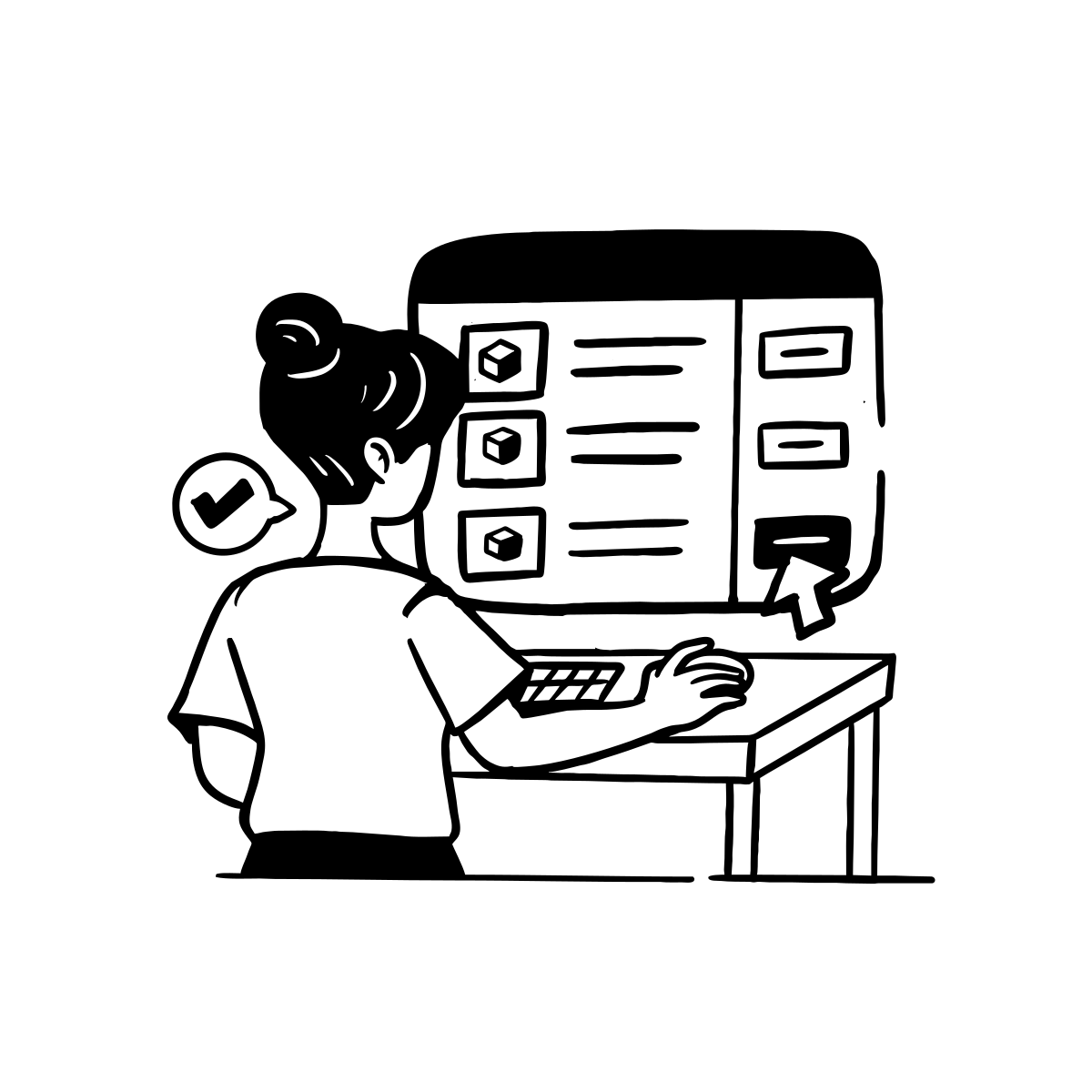
Visibility is half. The other half is a page that answers the buy question. A paragraph under the title: who it is for, what the material is, what is in the box. A size table in Arabic, not a cropped English photo. Shipping for KSA cities or Egypt governorates in one clear sentence, not a footer link.
One button above the fold completes SEO. A search visitor is in a hurry. If Buy, WhatsApp, and Share sit in one row, they split. Pair this with one CTA for higher conversion when you tune the copy.
Proof, not slogans
State prep time in days, warehouse city, and the return rule. Real reviews with a first name and a city beat stars with no text. In the GCC, shipping to KSA, UAE, and Kuwait beats vague worldwide shipping.
Arabic pages need a correct direction for text and tables. An LTR size table clips and makes size unreadable. Pair with an Arabic checkout on one path if the table or the price clips on mobile.
Duplicate titles across the catalog
A hundred products titled Elegant black dress is internal competition. Differentiate with model, available size, occasion, or material. Put the SKU in the title if customers search by model. Without contrast, Google picks one URL and ignores the rest.
Tie SEO to a scan and to work on pages that sell
Scan the store, open the visibility tab, and if title or crawl failed, tune the pages that sell, not only the blog. x8x scans the store and ships speed, SEO, UX, and build work. The report shows which page has no description, which title repeats, and which crawl signal failed.
A practical path for the team:
- Export the products with the most visits from ads and from search.
- Write a title and description for each row in that list, as sales copy, not as a department label.
- Spot-check on mobile: tab title, description under the first photo, readable table.
- Check crawl and sitemap on the live host, not on a staging site that is noindex.
- Scan again after a theme edit, because templates restore global defaults.
Start with a store scan. Without a measurement, every title edit is a guess. With a measurement you know if the fault is blocking or copy.
If the report is in front of you and selling pages lack meta or use a wrong canonical, a WhatsApp consult is useful so we sequence catalog work rather than one blog post.
Speed and visibility are the same visitor
Google accounts for page experience. A slow product ranks harder even with a strong title. Tie the SEO plan to weight. A good description on a page that will not load is never read. A search visitor is often less patient than an Instagram visitor, because ten other results sit beside yours.
Frequently asked questions
Focus on the blog or on product pages?
On products if the goal is orders. The blog is for explainers and seasons. Without a healthy product index, posts get reads without a cart. Write the post and link it to a specific product. Do not leave it as an orphan page.
Are Salla and Zid SEO fields enough without a theme change?
Often yes for titles and descriptions if the theme passes the fields. If the theme replaces the title with the store name only, the admin field never appears in results. Inspect the live page, not only the editor.
Is structured data mandatory for every Woo store?
It is not a legal must. It helps when price and availability are correct. Woo plugins emit part of it. Recheck markup after updates. Wrong data is worse than missing data.
How often should we revise catalog titles?
Every season and every SKU purge. Old titles that still mention a dead offer weaken the search click. A quarterly pass on best sellers is cheaper than rewriting the whole store every month.