Report
After the scan report: rank the fix from red to green
The report is not a scare list. It is a work order: high means it stops a purchase, medium means friction, pass means leave it for now.
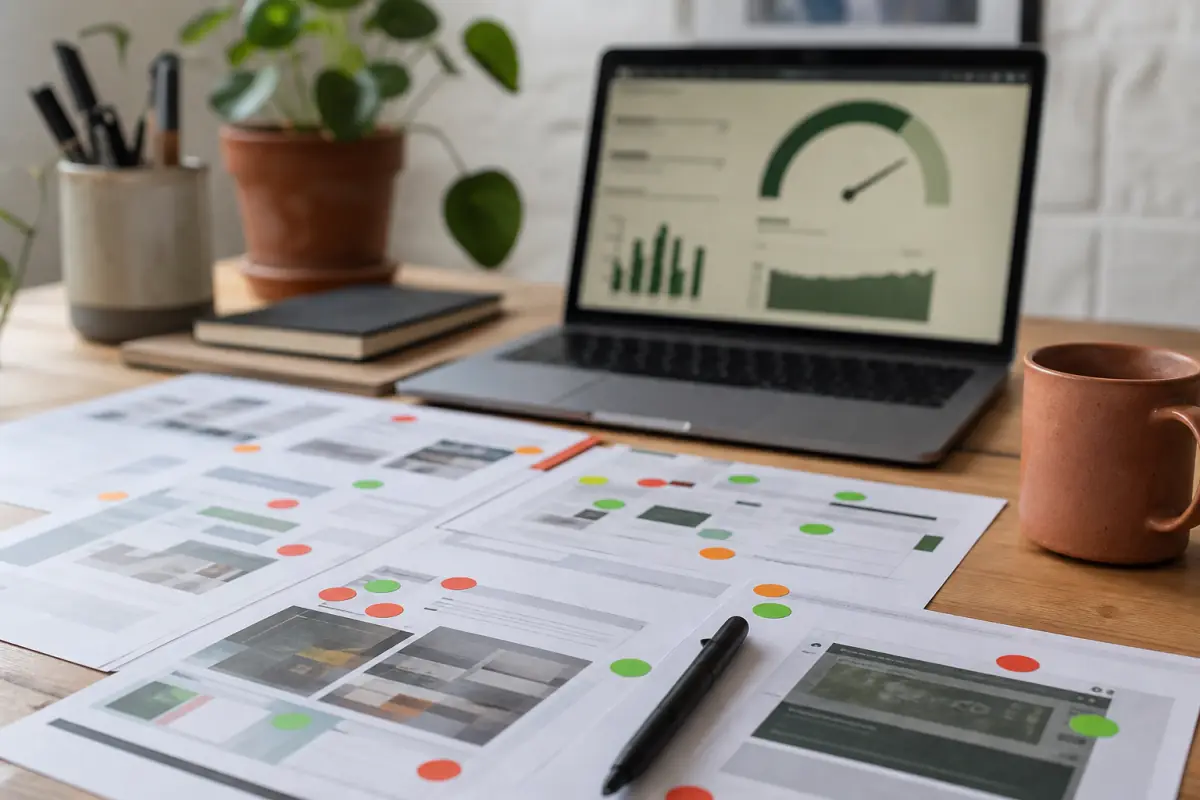
A scan report is useful only if it changes what you ship this week. Screenshotting a red gauge and arguing in a group chat does not move LCP. Ranking the findings, assigning an owner, and remeasuring does.
x8x Store Scanner is built for that loop. You paste a URL, we measure speed, visibility, trust, and the buy path the way a shopper on a phone sees it. You get a report in Arabic or English. Then you either fix the theme yourself or ask us to execute. We build full stores too, but most reports start as a punch list, not a rebuild.
What the scan report is for
The report answers three questions:
- What does the shopper wait for on this URL?
- What on this URL looks untrustworthy or hard to tap?
- What should we do first so ads stop sending people into a broken first screen?
It is not a certification. It is not a design mood board. It is a map of this product page or home page, on a mobile network profile, with your real theme and apps.
If you have never measured, start at the scan. Use the URL you put in ads, not a staging site that hides apps.
Scores versus findings
A number is a summary. The findings are the work. A store can sit at a middling score because one 2 MB hero image dominates LCP, while another store fails because five scripts block the button. Same color on a gauge, different jobs.
Read in this order:
- Largest paint and the file that owns it.
- Layout shift around price and quantity.
- Buttons with no name, weak contrast, or two primary CTAs.
- HTTPS and mixed content on checkout-adjacent pages.
- Title, index, and duplicate product URLs if you care about organic traffic.
That order matches how a buyer fails: they never see the photo, the page jumps, they cannot find Buy, they do not trust pay, or Google never sends them.
How to read speed without chasing vanity
Speed on Salla, Zid, Shopify, and WooCommerce follows the same physics. The shopper waits for the largest visible content, usually a product photo. Google documents that as LCP. PageSpeed Insights explains the lab run behind many public scores in its About PSI notes.
In the x8x scan report, treat a red LCP as "the first photo or heading is late." Treat long JavaScript as "something ran before the tap." Do not "optimize" by installing a second cache plugin on Woo while the hero is still a PNG from a camera roll.
Practical reads:
- If savings on images are large, the catalog pipeline is the job: WebP, locked dimensions, preload only the first shot.
- If third-party scripts dominate, the app list is the job. See Salla Zid Shopify speed base.
- If the score is fine but the screenshot shows overlap, you have a CRO problem, not a CDN problem.
Lab, field, and your ads
Lab data is repeatable. Field data, when PSI has it, is real users. Your ads may send a colder audience on slower networks than your own phone on office Wi-Fi. If the report is red in the lab and you "feel fine" at the desk, trust the slower profile for Gulf and Egyptian 4G.
After you ship a fix, scan the same URL. Do not compare a homepage to a product URL. Do not compare desktop to mobile.
How to read UI, trust, and SEO in the same report
x8x does not stop at performance. A fast page that hides the button still loses the order.
UI and CRO. Unnamed buttons, grey on sand, five CTAs in one row. On RTL stores an English theme often clips Arabic labels. Rank those as high if the screenshot shows it, even when LCP is green. Pair with one buy button.
Trust. HTTP pages, expired certificates, mixed scripts on an HTTPS host. Shoppers see the browser warning before they read your shipping promise. Pair with HTTPS and SSL at checkout.
SEO. Missing titles, noindex on the catalog, canonical to an empty home. That does not slow the first paint. It slows free traffic. Rank it medium if ads are the only channel this month, high if the SKU should rank.
The scan report puts these in one place so the founder does not get three PDFs from three freelancers with three priorities.
Severity you can defend in a meeting
Use language your team already understands:
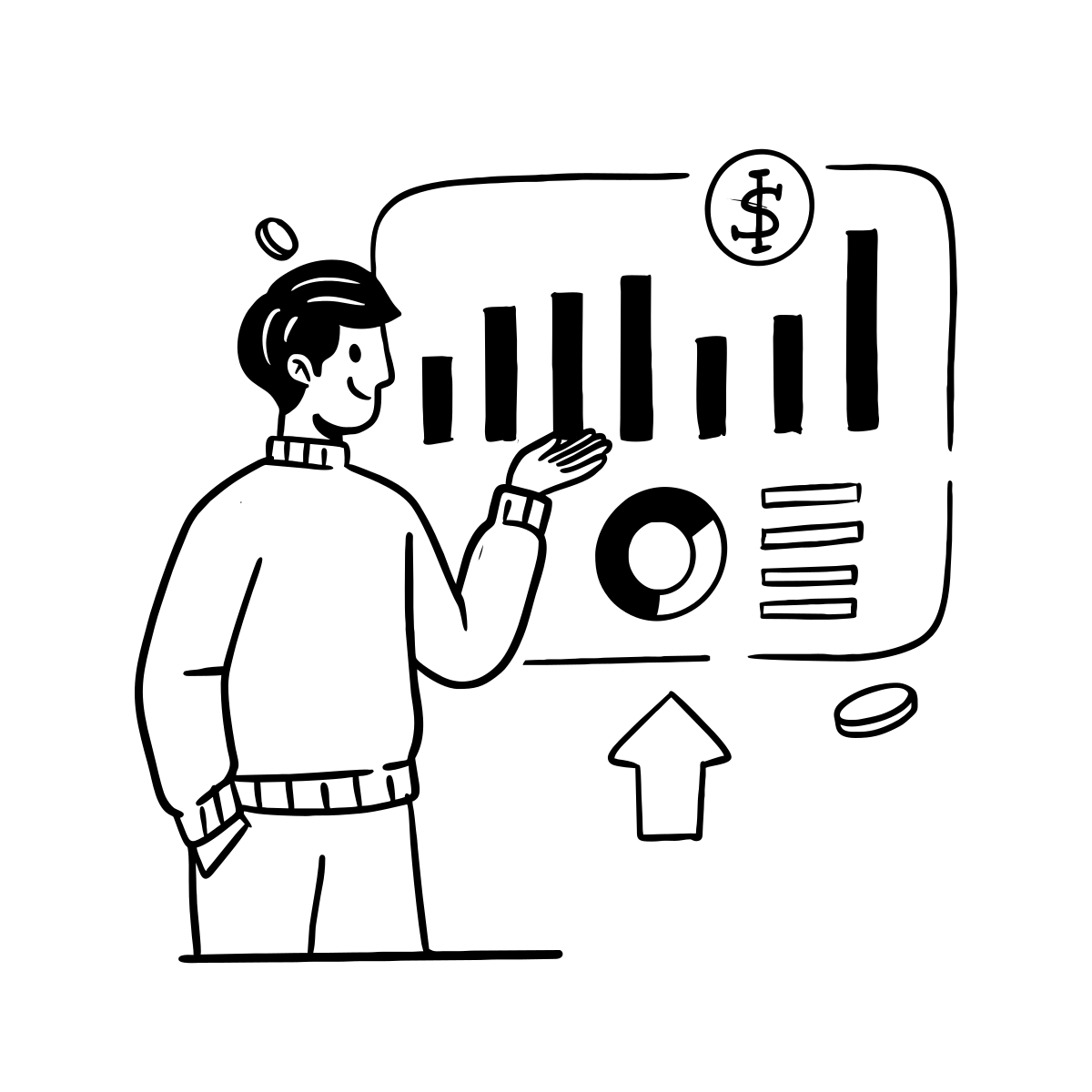
- High: stops a purchase on this URL (late LCP, broken lock, no visible Buy, checkout on HTTP).
- Medium: adds friction (extra CTA, heavy below-the-fold gallery, weak meta).
- Pass: leave it. Do not rewrite a footer while LCP is 6 seconds.
If everything is high, you still pick one URL and one cause. Parallel "full redesign" talk is how reports die.
From report to a shipped fix
Someone has to change the theme, the apps, or the image pipeline. On Salla and Zid that is often the theme editor plus app settings. On Shopify it is theme code and app embeds. On Woo it is plugins and the builder.
A sane week:
- Freeze new apps until the rescan.
- Fix the LCP image and dimensions.
- Disable chat and popups on the advertised SKU, or delay them.
- Name the primary button in Arabic, one color, thumb size.
- Confirm HTTPS on cart and checkout.
- Scan again. Keep the two reports.
If the theme fights every change (stacked vendors, broken RTL, cloned product templates), stop patching and read new store versus fix theme. x8x will say so. We do not sell a template to paper over it. We either patch the theme or build the store.
When to DIY and when to send WhatsApp
DIY if you can compress images, turn off two apps, and republish. Send the report if you cannot find the LCP element, if Shopify app embeds leave ghost scripts, or if Woo cache plugins conflict.
Bring the URL and the report, not a vibe. We work on what the scan saw.
Cached scans (about seven days) are fine to discuss. If you already changed the theme, tap scan now so we do not ship against stale HTML.
Who does what after the report lands
A report with no owner for each row becomes a PDF in chat. Assign names, not "the team."
The founder or store lead picks the first URL. Not the whole catalog. The URL in ads or the URL that starts WhatsApp. If you run three campaigns, scan those three, and rank by what is red on the purchase, not by what looks weaker on the homepage.
A Salla or Zid operator turns apps off in the admin before asking for theme code. Many red rows die with no developer. A Shopify operator does the same from app embeds and checks `theme.liquid` if a script survives uninstall. A Woo operator disables popup and extra builder plugins before stacking another speed plugin.
A designer or theme developer owns the LCP image, dimensions, and the Arabic button name. That is half a day on a sane theme, and a week if the theme fights.
x8x steps in when turning things off is not enough, when the shot shows broken RTL, or when you want execution with a before and after. Send the scan report, not a vague brief. We read the same rows you read.
Rescan is not optional
After every published change, scan the same URL. You edited a Salla theme and did not publish? The measurement stays old. You changed Shopify and skipped the mobile preview? The lab will show it. Keep the old report next to the new one so ads and the agency see KiB, not a feeling.
If a seven-day cache still holds a result and you did not touch the store, use the cache for the discussion. If you touched it, scan now.
Frequently asked questions
Why does my scan report look worse than a competitor homepage?
You probably compared a product URL with apps to a marketing homepage. Scan the same page type. Competitors may also fail on SKU pages. Use your ad URL as the source of truth.
Can I ignore SEO findings if I only run ads?
You can rank SEO as medium for a week if LCP and checkout trust are red. You should not ignore noindex on products if you also want Google traffic later. The report lets you sequence, not delete, the SEO row.
Does a green score mean I should not talk to x8x?
If conversion is still weak, read the screenshot: CTA clutter, RTL overlap, slow perceived load from font swap. Speed can pass while the path fails. We still fix themes and we still build stores when the path is the product.
How do I start?
Open scan, paste the live product URL, read the scan report from red to green, and ship the first high item. If you want us to execute, send that report.