Trust
An SSL certificate is checkout trust, not a padlock sticker
Shoppers in KSA, Egypt, and the GCC will not type a card number, a national ID, or a COD phone into a browser that warns them. An SSL certificate is the floor. Mixed content and expired certs still break the last step.
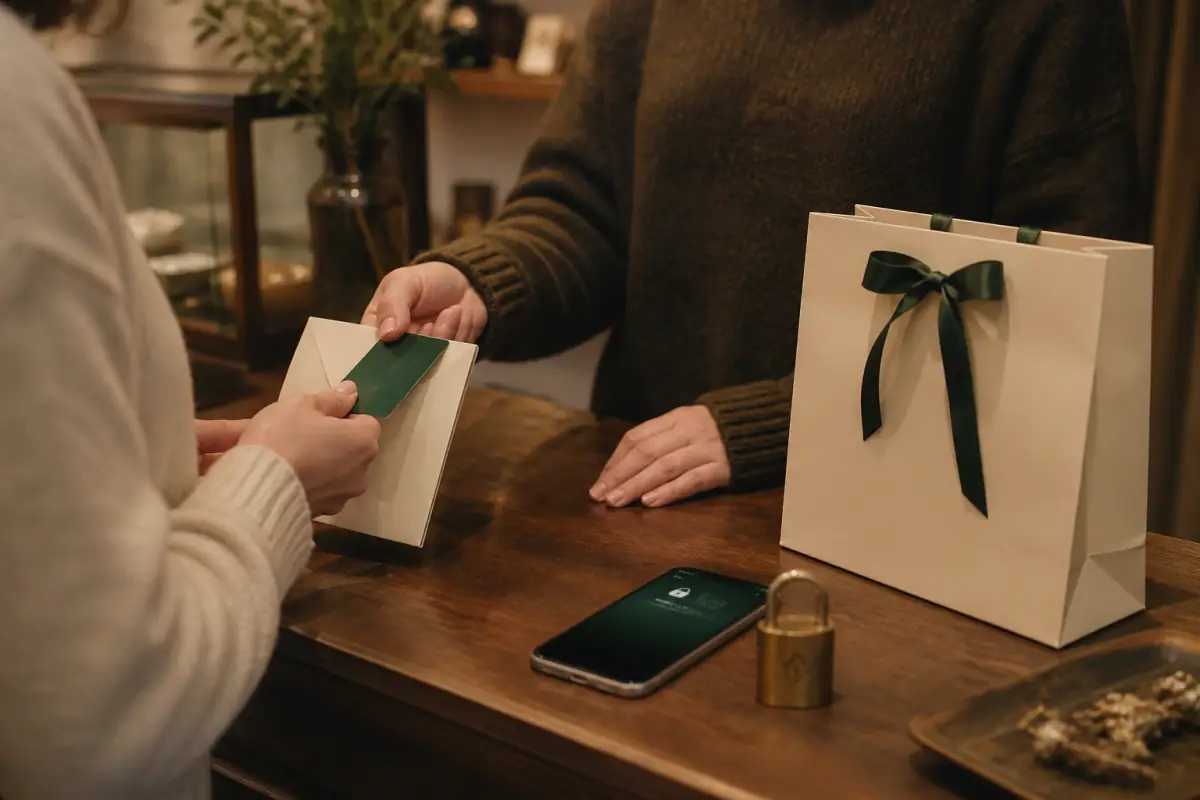
Teams treat HTTPS as a launch checkbox. The shopper treats the lock as a yes or no. Google documents why HTTPS is a ranking and safety signal. On a Salla, Zid, Shopify, or Woo store the same signal is a conversion signal. No lock, no order.
An SSL certificate encrypts the session. It does not by itself prove you are a licensed brand. It does prove the form is not riding an open cafe Wi-Fi in plain text. That is the minimum for Apple Pay, Mada, Visa, and even a WhatsApp-prefill that still posts an address through your domain.
This article is a punch list: what the certificate must cover, how mixed content sneaks back in, what GCC shoppers see on mobile browsers, and how to scan the store after you think you are done.
What an SSL certificate actually covers at checkout
HTTPS is the protocol. The SSL certificate (today almost always TLS 1.2 or 1.3) is the document the server presents. Browsers check that it matches the hostname, that it is not expired, and that a trusted authority signed it.
Checkout is several hostnames in real stores. The theme lives on `www`. The cart API might live on a platform subdomain. A payment iframe might live on the acquirer. A custom domain on Salla or Zid still needs a valid cert on that custom host, not only on the `*.salla.sa` default.
If the shopper lands on the custom domain over HTTP and you redirect late, the first paint can still be insecure. HSTS helps after the first good visit. The first visit still needs a clean redirect.
Names that must match
- Apex and `www` if you advertise both.
- The language prefix host if you split `ar.` and `en.` (rare, but it happens on Woo).
- Staging clones that marketing still shares in WhatsApp. An expired staging cert trains the team to click through warnings. They then miss the live warning.
Takeaway: list every hostname that serves cart or account. Each one needs a valid SSL certificate, not a homepage-only Let’s Encrypt leftover.
Shopify includes HTTPS on the primary domain when the domain is connected correctly. The failure mode is a third-party domain that never finished DNS, so shoppers still hit the `.myshopify.com` host in some emails while ads send the branded host. Two hosts, two certs, one confused buyer.
Woo on cPanel in Egypt often auto-issues a cert, then the merchant adds a CDN that terminates SSL with a different name. The origin is fine. The edge is not. Shoppers see the edge.
Mixed content is how a good certificate still looks broken
You can have a perfect SSL certificate and still show a broken lock. Mixed content is the usual cause: the HTML is HTTPS, but a script, image, or stylesheet loads over `http://`.
Modern Chrome blocks active mixed content (scripts). Passive mixed content (images, video) may still load with a warning. On checkout, a warning is enough. The shopper in Riyadh does not parse “passive.” They see “Not secure” next to the Mada fields.
Where mixed content hides on Salla, Zid, Shopify, and Woo
Theme banners pasted from an old landing page. Product catalog images still pointing at an HTTP CDN. Page builders on Woo that stored full `http://` URLs in the database in 2021 and never got a search-replace. Tracking pixels copied from an email with `http`. Custom fonts from a local agency server that never got TLS.
Apps make it worse. A reviews widget on Shopify that loads a stylesheet from an old app domain over HTTP will flag the product page. The product page is where the buy button lives. A warning there is a tax on every SKU.
Fix the URLs, do not only renew the cert. Search the theme for `http://`. Search post content. Search app embeds. Then load checkout in a private window.
Takeaway: a green cert plus one HTTP image is still a trust bug. Mixed content is a content bug, not a hosting badge.
If those HTTP images are also huge, you are paying twice. Pair this with heavy catalog images on mobile. Bytes and protocol both sit on the critical path.
What KSA, Egypt, and GCC shoppers actually see
Safari on iOS is strict about invalid certs. Chrome on Android in Egypt still shows a full interstitial on expired certs. Super apps that open an in-app browser sometimes show a thinner warning, which is worse, because the shopper cannot tell if the store or the app is broken. They close the webview.
COD-heavy catalogs are not exempt. Cash on delivery still collects a phone and an address. That is personal data. A warning on the address step feels like a scam, especially when the brand is new and ads just started.
Payment partners and iframes
Mada, Paymob, HyperPay, Tap, and Stripe-style embeds load their own SSL certificate. You cannot replace theirs. You can break the parent page so the iframe never paints. If your page mixed-content-blocks a script that mounts the iframe, the shopper sees an empty pay box.
Apple Pay and Google Pay on Shopify require a proper HTTPS origin. A cert name mismatch kills the wallet buttons. Merchants then think “Apple Pay is not available in my country” when the real issue is the hostname on the SSL certificate.
Zid and Salla payment apps inherit the store domain. If the custom domain cert lapses at renewal, every gateway looks dead on the same day. Put renewal on a calendar with a 21-day warning, not a day-of panic.
Takeaway: wallet buttons and bank iframes need your origin to stay HTTPS the whole session. A cert that works on home and fails on `/checkout` is a DNS or redirect bug.
Redirects, HSTS, and the first visit from ads
Paid traffic in KSA often lands from Snapchat, TikTok, and Meta. Those ads may still encode `http://` if someone built the campaign on an old URL. The server must 301 to HTTPS before any cookie or cart token is set.
A chain of redirects (HTTP to www to HTTPS to language prefix) burns LCP and can drop referrer data. Collapse to one hop. That also helps store speed.
HSTS tells the browser to skip HTTP next time. Enable it after you are sure every subdomain that shoppers touch is on TLS. If `cdn.store.com` is still HTTP, HSTS on the parent can break assets.
A renewal drill you can run
- Open the live checkout URL in a private window on a phone, not only on the laptop where you already clicked through.
- Tap the lock. Confirm the name matches the domain in the address bar, not an old `myshopify` or `salla.store` host you forgot to migrate.
- Watch the network panel for any `http://` request on cart, checkout, and thank-you.
- Confirm the SSL certificate expiry is at least 20 days out, and that auto-renew on Let’s Encrypt, cPanel, or the platform is actually succeeding (failed renewals are silent until the interstitial).
- Place a 1 SAR or 1 EGP test order on Mada or the local method. Confirm the iframe loads without a second warning.
- Scan the store and read the HTTPS and mixed-content notes, then fix URLs before you buy another app.
Woo shops should also confirm `home` and `siteurl` in the database are HTTPS. A single HTTP `siteurl` rewrites asset links backward every save.
Trust copy still needs the lock to be real
Some themes add a “100% secure checkout” row of SVG padlocks. Decorative locks with a browser warning are worse than silence. Do not draw a lock you do not have.
VAT numbers, commercial registration, and return policy help in KSA, but they sit below the fold. The SSL certificate is the first trust chip in the chrome of the browser, outside your theme. You do not style it. You can only break it.
If you are choosing between patching a theme that injects HTTP widgets and starting cleaner, patch the widgets first. A rebuild that keeps mixed-content apps is not a rebuild.
After HTTPS is clean, the remaining checkout leaks are usually UX: two CTAs, RTL overlap, a slow thank-you page. Those are separate jobs. HTTPS is the floor so those jobs are worth doing.
Takeaway: remove fake padlock rows. Keep a real SSL certificate, a short redirect, and zero HTTP assets on the pay path.
Product pages still need crawlable HTTPS URLs for search. Google prefers the secure canonical. Duplicate HTTP and HTTPS catalogs split ranking and confuse sitemaps. See product page SEO that sells.
Frequently asked questions
Is a free Let’s Encrypt SSL certificate enough for a Salla or Woo store?
Yes for encryption. Shoppers do not require a paid EV certificate to buy. They require a valid name, a current date, and no mixed content. Paid certs do not increase conversion by themselves. They sometimes come with a warranty nobody reads. Spend the money on a clean theme and a monitored renewal, not on a green-bar era EV upsell. Platform-issued certs on Shopify, Salla, and Zid are enough when the custom domain is attached correctly.
Why does checkout warn when the homepage lock looks fine?
Different hosts and different HTML. Home may load only theme assets on the platform CDN. Checkout may load a payment iframe, a maps script for address, and an HTTP image from an old shipping calculator. The SSL certificate on `www` can be valid while `pay.` is expired, or while mixed content appears only after the cart JS runs. Always test the pay URL, not only `/`.
Does HTTPS help ranking for Arabic product pages?
Google treats HTTPS as a light ranking signal and a requirement for several modern features. The larger win in KSA and Egypt is that insecure pages get interstitials and lower click-through from Chrome. Canonicalize to HTTPS, update the sitemap, and keep product titles on the secure URLs. Do not run two catalogs.
How do I prove mixed content is gone after a Woo search-replace?
Private window, phone, throttled network. Open cart, checkout, and a product with a video. In Chrome, the lock menu lists insecure items if any remain. Search the database again for `http://yourdomain` and for old CDN hosts. Then scan the store. If x8x or PageSpeed still lists HTTP URLs, a plugin is regenerating them. Fix the plugin setting, not only the post body.